
Explore More Tools
Community Results



What is a Grid Maker?
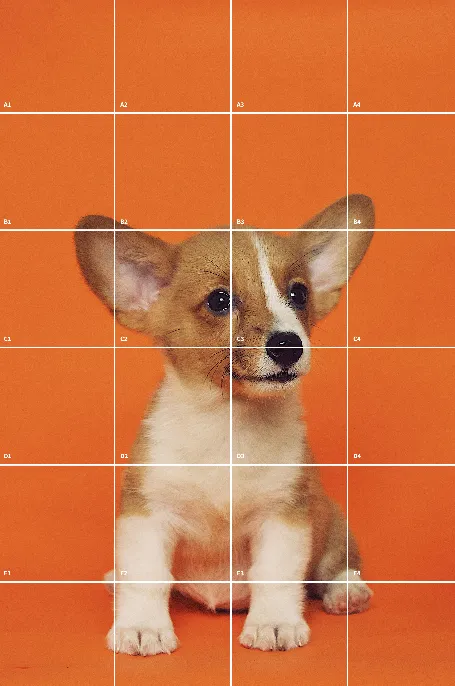
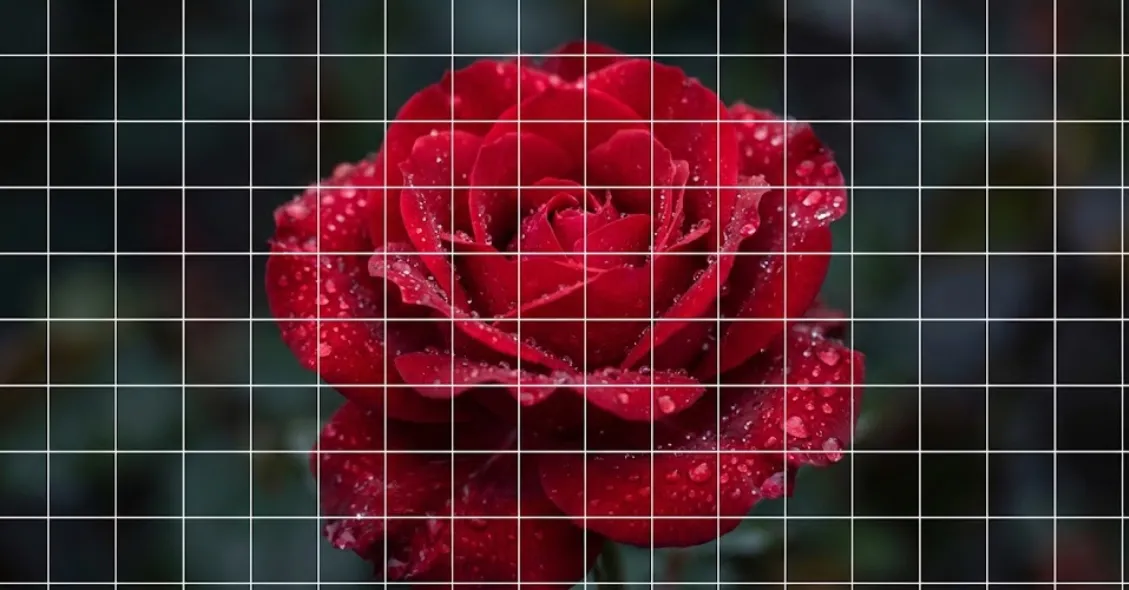
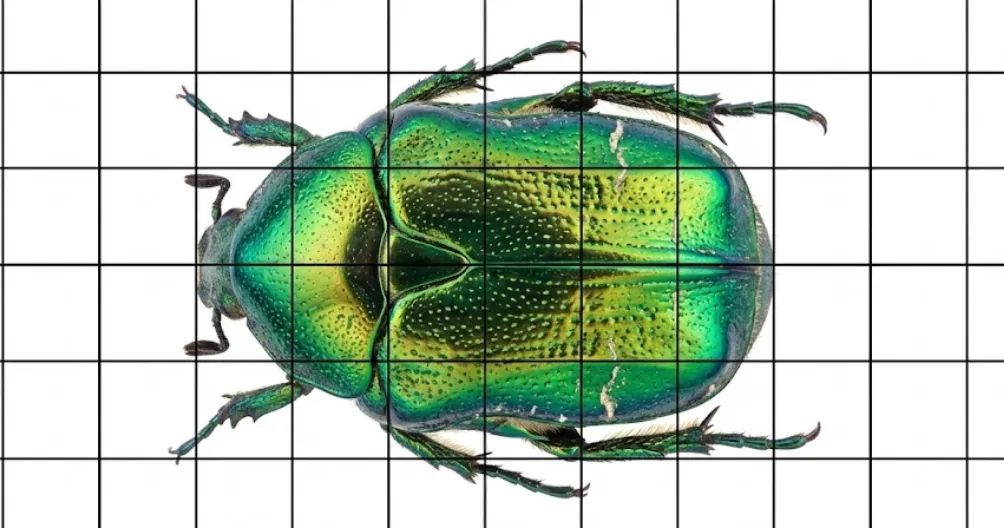
A Grid Maker is an essential digital tool for artists, designers, and creatives. By overlaying a precise grid on top of reference photos, a grid maker allows you to break down complex images into smaller, manageable squares. This technique, known as the Grid Method, has been used for centuries by masters like Leonardo da Vinci and Albrecht Dürer to achieve perfect proportions and accurate perspective in their drawings and paintings.
Our free online Grid Maker simplifies this process. Instead of manually drawing lines on your photos or using expensive software, our Grid Maker lets you upload any image and instantly generate a customizable grid. Whether you are a beginner sketching a portrait or a professional painter working on a large-scale mural, a reliable Grid Maker is the secret to accurate reproduction.
GridMaker.site is designed to be the ultimate Grid Maker for all your creative needs. It features powerful tools like a Drawing Grid Maker for art references, a Photo Grid Maker for social media layouts, and a Hex Grid Maker for tabletop gaming maps. Best of all, unlike other online tools, our Grid Maker processes everything locally on your device. This guarantees 100% privacy—your photos never leave your browser—and ensures lightning-fast performance, even when working with high-resolution 4K images in our Grid Maker.
Why Use Our Online Grid Maker?
Using a Grid Maker significantly improves your observational skills. By focusing on one grid square at a time, you stop seeing the "whole image" (which can be overwhelming) and start seeing the relationships between lines, shapes, and negative space. This makes our Grid Maker an excellent educational tool for art students and self-taught artists.
The precision of a Grid Maker is unmatched. When resizing an image—scaling up a small photo to a large canvas, for example—a Grid Maker ensures that every detail is preserved in the correct location. Without a Grid Maker, distortions inevitably creep in. With GridMaker.site, you can adjust the grid color (e.g., switching to red or green if your image is black and white), line thickness, and opacity to suit your specific reference image, making it the most versatile Grid Maker available.
Furthermore, our Grid Maker includes specialized features. The "Image Mode" toggle allows you to turn your reference photo black and white instantly within the Grid Maker, helping you focus on values and shading without color distractions. The "Row / Col" mode in our Grid Maker gives you total control over the exact number of squares, perfect for tasks requiring specific ratios. This flexibility makes it the preferred Grid Maker for cross-stitch patterns, pixel art design, and embroidery projects.
How to Use the Free Grid Maker
- Upload Your Image: Click the "Upload Photo" card in the Grid Maker tool above. We support various image formats including JPG, PNG, and WEBP.
- Customize the Grid: Use the Grid Maker settings panel. Adjust the Lines to change the grid density. Use the Row / Col mode if you need a specific number of cells (e.g., a 10x10 grid). Change the Color to contrast with your photo.
- Download & Draw: Once satisfied, click the "Download Image" button in the Grid Maker. Save the gridded reference to your device. You can then print it out or view it on a tablet while you work.
This simple workflow makes GridMaker.site the fastest and easiest Grid Maker on the web. No accounts, no sign-ups, no watermarks—just a pure, efficient Grid Maker tool.
Common Use Cases for a Grid Maker
The versatility of a Grid Maker extends beyond traditional drawing. Here are just a few ways our community uses the GridMaker.site tool:
Drawing & Sketching
The classic use case. Overlay a grid on reference photos to copy proportions accurately using the grid method. Our Grid Maker is perfect for portraits and still life.
Instagram Layouts
Use the Grid Maker to visualize how a large image splits into 3x3 posts. Create seamless panorama swipes for your feed using our localized Photo Grid Maker.
Tabletop RPG Maps
Dungeon Masters use our Hex Grid Maker to turn fantasy landscapes into playable battle maps for D&D and Pathfinder.
Math & Planning
Need graph paper? Use the Grid Maker on a blank white image to generate custom printable graph paper for geometry, engineering, or architectural planning.
Pixel Art & Cross-stitch
Pixelize images or overlay a high-density grid. The Grid Maker helps count stitches for needlework or pixels for 8-bit art creation.
Mural Painting
For large walls, accurate scaling is nearly impossible without a Grid Maker. Project your gridded image or draw a corresponding grid on the wall to ensure your mural is perfect.
Start Creating with the Best Grid Maker Today
Ready to improve your art? The Grid Method is a time-tested technique, and GridMaker.site is the modern evolution of that technique. By providing a free, private, and customizable Grid Maker accessible from any device, we empower artists to create their best work.
Don't let proportion issues hold you back. Use our Grid Maker to train your eye, plan your compositions, and execute your vision with confidence. Try the Drawing Grid Tool now and see why thousands of users choose us as their go-to Grid Maker.
Grid Types Comparison
| Grid Type | Best For | Tool |
|---|---|---|
| Drawing Grid | Sketching & proportion study | |
| Instagram Grid | 3x3 split posting | Go to Tool |
| Hex Grid | Tabletop maps | Go to Tool |
| Printable Paper | Printing worksheets | Go to Tool |
| Pixel Art Grid | Stitch & pixel design | Go to Tool |
Frequently Asked Questions
What is a grid maker?
A grid maker is a tool that overlays a grid on images to help artists copy proportions accurately. It can also generate empty grids like hex maps or graph paper.
How do I make a grid online?
Simply upload your image to our Drawing Grid Tool, adjust the grid size and line thickness, and download the result. It's instant and free.
Does this grid maker work for drawing?
Yes! This is specifically designed for the 'Grid Method' of drawing. You can customize the grid to match your canvas size.
Are my images uploaded to the server?
No. All image processing happens locally in your browser for maximum privacy and speed.
How do I create a 3x3 grid?
Use our 'Instagram Grid Maker' tool (found in the menu) to automatically split photos into a 3x3 layout.
Can I use grids for Instagram posts?
Absolutely. Our Instagram Grid Maker is perfect for creating banner-style posts on your profile feed.
Does this work on mobile?
Yes, our website is 100% responsive and works great on iPhones, iPads, and Android devices.
Is this tool really free?
Yes, GridMaker.site is completely free to use with no hidden fees or watermarks.